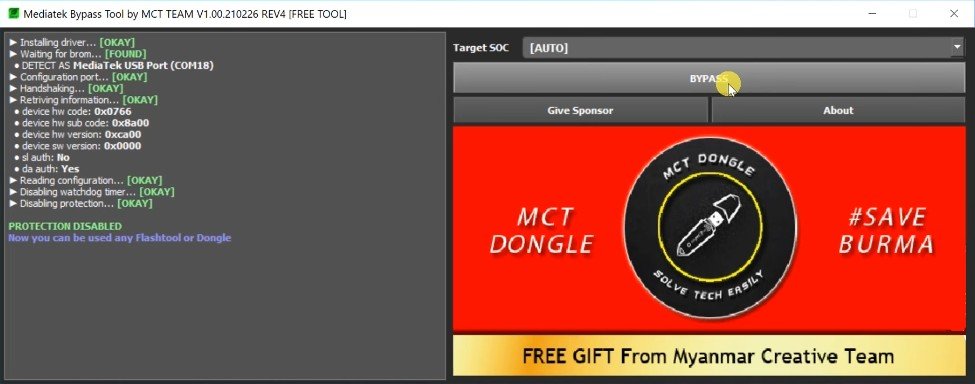
| Tool Name | MCT MTK Auth Bypass Tool |
| Version | v2 |
| Size | 11MB |
| Password | 12345 |
Key Uses of the MCT MTK Auth Bypass Tool
Tools of this nature primarily resolve software-related issues in MediaTek devices. The MCT MTK Auth Bypass Tool is commonly used for the following purposes:
- Troubleshooting issues related to MTK authentication
- Assisting with the firmware flashing workflow
- Handling authorization-related errors on certain supported MediaTek devices
- Aiding in servicing tasks involving MTK flashing workflows, such as those using the SP Flash Tool
- Simplifying diagnostic and repair workflows for mobile software technicians
These are some of the primary reasons why this tool is used to resolve such problems.
Install the MCT MTK Auth Bypass Setup
Installing the MCT MTK Auth Bypass Tool setup on your laptop or computer is very easy. We have explained the installation process in detail here:
- First, download the MTK Auth Bypass Tool setup from a trusted source.
- The setup file may be in a ZIP format, which you will need to extract.
- Now, double-click on the setup file to begin the installation process.
- Once the process is complete, you can start using the tool.